Profile Access
Use a registered email address and profile password to access account-management tools.
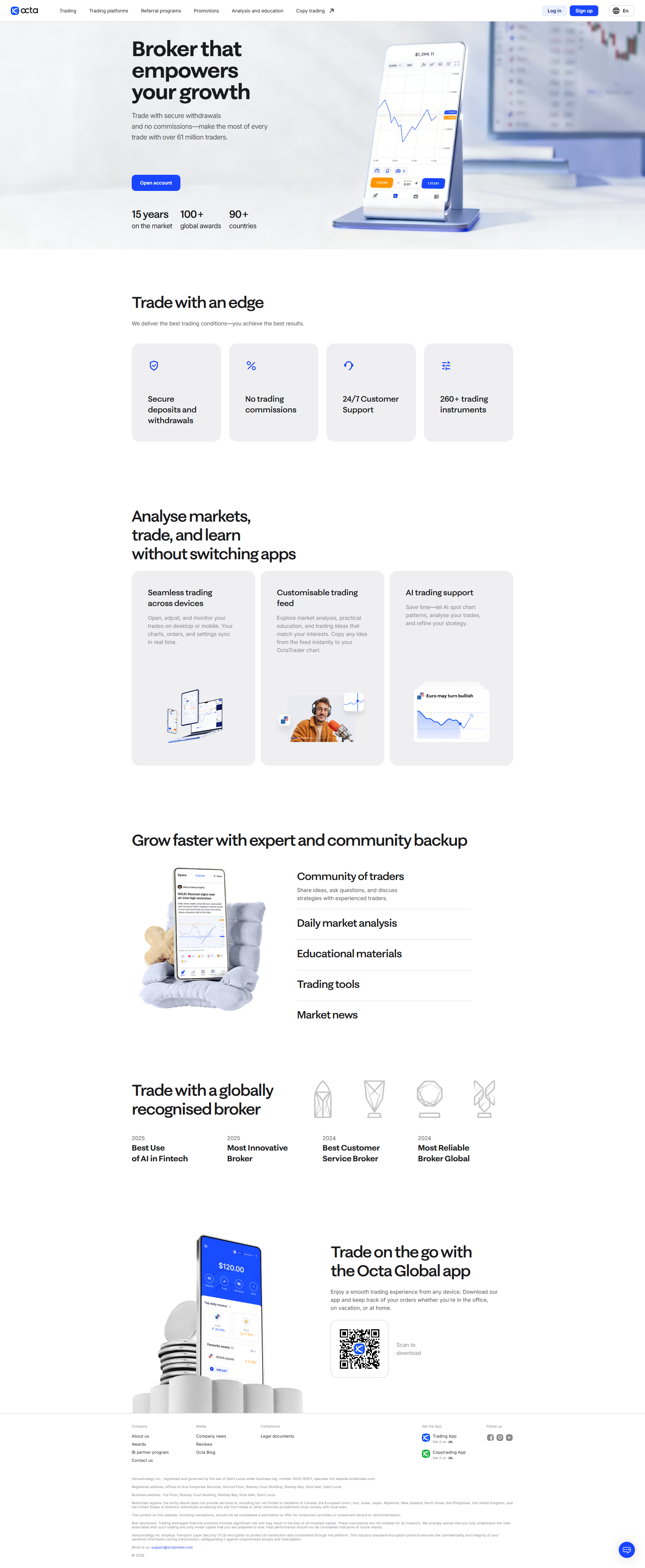
OctaFX Login is the account access process for traders who want to open their Octa profile and manage their trading accounts. The profile area brings account information and common account-management options together, including creating accounts, viewing account details, deposits, withdrawals, transfers, and password recovery. OctaFX Login is also a starting point for accessing supported trading platforms and checking account settings.
Use a registered email address and profile password to access account-management tools.
View account information, switch between available accounts, and manage account settings.
Access platform options such as OctaTrader, MetaTrader 4, and MetaTrader 5.
OctaFX Login refers to signing in to an Octa profile to view and manage your trading environment. After profile access, users can check their account list, select an active trading account, review account details, and find available management options. The profile is designed to keep common account actions in one place rather than requiring separate profile access for each account-management task.
The login details for the profile are different from some trading-terminal access details. Depending on the platform, a trader may use the profile email and password or a trading account number, password, and server information.
To sign in to an Octa profile, users generally use the email address registered with the profile and its password. Once access is available, the dashboard provides account-related sections and options for managing the profile.
The Octa profile can provide access to different account-management features. Users may create another trading account, review their existing accounts, select a primary account, make deposits, request withdrawals, transfer funds between accounts, or review account activity, depending on the options available in their profile.
Account details can include the account number, account type, currency, balance, and other account information. The available options may vary according to the account and platform selected.
Octafx Login provides access to different trading platforms, including OctaTrader, MetaTrader 4, and MetaTrader 5. OctaTrader is available through a web browser and the Octa trading app. The web-based platform can be accessed from a signed-in profile by selecting an OctaTrader account and choosing the trading option.
MetaTrader accounts use their own platform access details. When logging in through MT4 or MT5, traders need to use the matching account credentials and the correct server details. An account created for one platform may not work with another platform, so the platform type should be checked before signing in.
If a profile password is forgotten, the password-restoration process can be started using the registered email address. A restoration message is sent to that email, allowing the user to follow the recovery instructions and create a new password.
Trading-account passwords can have a separate recovery process. The account and password type may need to be selected inside the profile before the restoration request is submitted. Keep access to your registered email inbox so you can receive recovery instructions.
Octafx Login problems can occur when an email address, password, account number, or trading server is entered incorrectly. A connection issue may also prevent a trading platform from connecting. Check that the account details match the selected platform and confirm that your internet connection is working before trying again.
If the issue continues, use the official account-recovery or customer-support process. Avoid sharing passwords, verification codes, or private account details with anyone.
Octafx Login account access can be used from supported mobile devices. Users may access their profile through a mobile browser or the Octa trading app, while platform availability depends on the trading account and device. The mobile account area can be used to review accounts and find platform or account-management actions.
Always confirm that you are using the genuine Octa sign-in environment before entering account details. Use a unique password, keep verification codes private, and do not enter credentials into unfamiliar pages or forms. If you suspect unauthorized access, follow the provider's official security and support instructions.